
Automating Customer Ledger Apply Entry/Knock‑Off in Business Central Using Excel Bulk Uploader
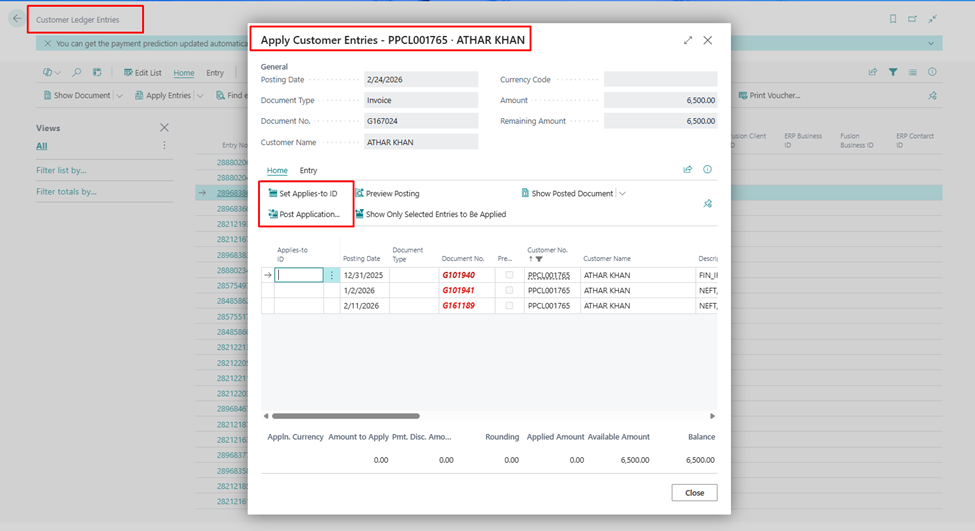
When we work with large volumes of customer invoices and payments, manually applying entries in Business Central can be slow and error‑prone. To solve this, We have built a small “knocking‑off” framework that reads data from an Excel‑based uploader and automatically applies posted sales invoices against posted customer payments.
In this blog, we will walk through the idea behind the solution and then break down the AL code of the button that performs the knock‑off, line by line, so that even a beginner can follow and use the pattern.
Step – 1. First create a Table and List Page for Excel uploader
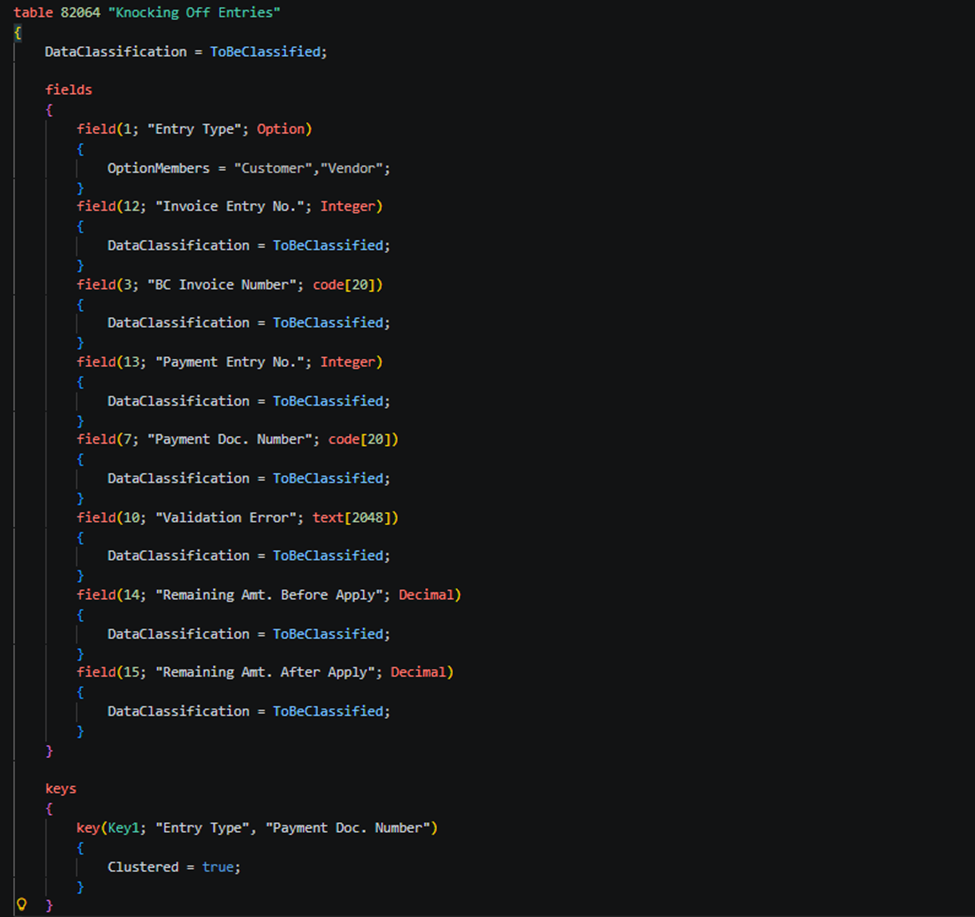
table 82064 "Knocking Off Entries"
{
    DataClassification = ToBeClassified;

    fields
    {
        field(1; "Entry Type"; Option)
        {
            OptionMembers = "Customer","Vendor";
        }
        field(12; "Invoice Entry No."; Integer)
        {
            DataClassification = ToBeClassified;
        }
        field(3; "BC Invoice Number"; code[20])
        {
            DataClassification = ToBeClassified;
        }
        field(13; "Payment Entry No."; Integer)
        {
            DataClassification = ToBeClassified;
        }
        field(7; "Payment Doc. Number"; code[20])
        {
            DataClassification = ToBeClassified;
        }
        field(10; "Validation Error"; text[2048])
        {
            DataClassification = ToBeClassified;
        }
        field(14; "Remaining Amt. Before Apply"; Decimal)
        {
            DataClassification = ToBeClassified;
        }
        field(15; "Remaining Amt. After Apply"; Decimal)
        {
            DataClassification = ToBeClassified;
        }
    }

    keys
    {
        key(Key1; "Entry Type", "Payment Doc. Number")
        {
            Clustered = true;
        }
    }
}
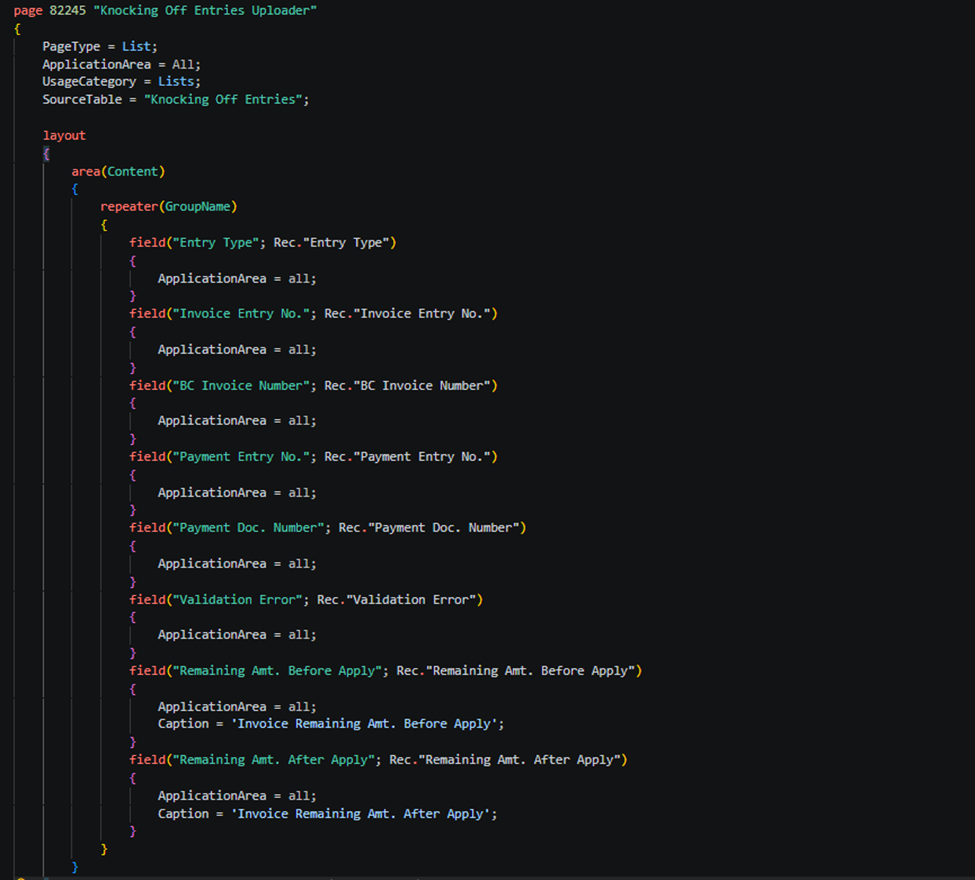
page 82245 "Knocking Off Entries Uploader"
{
    PageType = List;
    ApplicationArea = All;
    UsageCategory = Lists;
    SourceTable = "Knocking Off Entries";

    layout
    {
        area(Content)
        {
            repeater(GroupName)
            {
                field("Entry Type"; Rec."Entry Type")
                {
                    ApplicationArea = all;
                }
                field("Invoice Entry No."; Rec."Invoice Entry No.")
                {
                    ApplicationArea = all;
                }
                field("BC Invoice Number"; Rec."BC Invoice Number")
                {
                    ApplicationArea = all;
                }
                field("Payment Entry No."; Rec."Payment Entry No.")
                {
                    ApplicationArea = all;
                }
                field("Payment Doc. Number"; Rec."Payment Doc. Number")
                {
                    ApplicationArea = all;
                }
                field("Validation Error"; Rec."Validation Error")
                {
                    ApplicationArea = all;
                }
                field("Remaining Amt. Before Apply"; Rec."Remaining Amt. Before Apply")
                {
                    ApplicationArea = all;
                    Caption = 'Invoice Remaining Amt. Before Apply';
                }
                field("Remaining Amt. After Apply"; Rec."Remaining Amt. After Apply")
                {
                    ApplicationArea = all;
                    Caption = 'Invoice Remaining Amt. After Apply';
                }
            }
        }
    }
Step – 2. Now create two action buttons for Export and Import uploader entries –
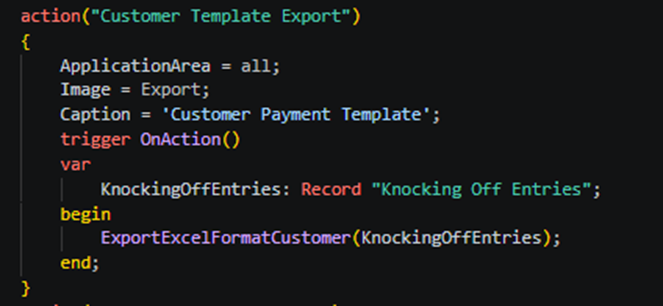
action("Customer Template Export")
            {
                ApplicationArea = all;
                Image = Export;
                Caption = 'Customer Payment Template';
                trigger OnAction()
                var
                    KnockingOffEntries: Record "Knocking Off Entries";
                begin
                    ExportExcelFormatCustomer(KnockingOffEntries);
                end;
            }
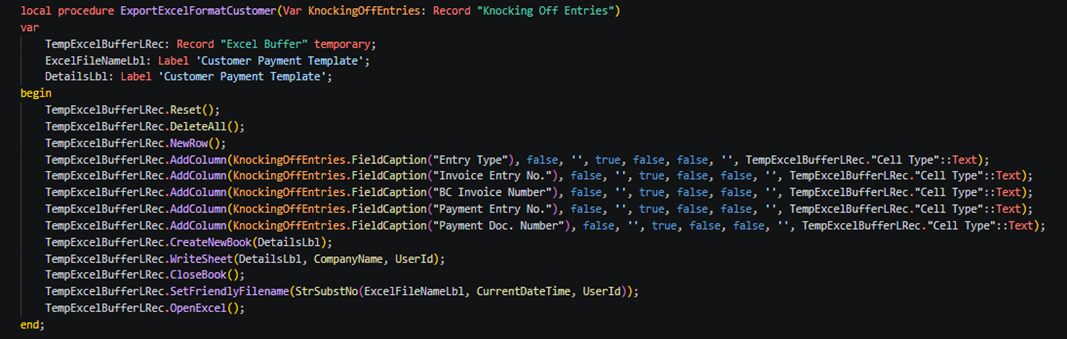
local procedure ExportExcelFormatCustomer(Var KnockingOffEntries: Record "Knocking Off Entries")
    var
        TempExcelBufferLRec: Record "Excel Buffer" temporary;
        ExcelFileNameLbl: Label 'Customer Payment Template';
        DetailsLbl: Label 'Customer Payment Template';
    begin
        TempExcelBufferLRec.Reset();
        TempExcelBufferLRec.DeleteAll();
        TempExcelBufferLRec.NewRow();
        TempExcelBufferLRec.AddColumn(KnockingOffEntries.FieldCaption("Entry Type"), false, '', true, false, false, '', TempExcelBufferLRec."Cell Type"::Text);
        TempExcelBufferLRec.AddColumn(KnockingOffEntries.FieldCaption("Invoice Entry No."), false, '', true, false, false, '', TempExcelBufferLRec."Cell Type"::Text);
        TempExcelBufferLRec.AddColumn(KnockingOffEntries.FieldCaption("BC Invoice Number"), false, '', true, false, false, '', TempExcelBufferLRec."Cell Type"::Text);
        TempExcelBufferLRec.AddColumn(KnockingOffEntries.FieldCaption("Payment Entry No."), false, '', true, false, false, '', TempExcelBufferLRec."Cell Type"::Text);
        TempExcelBufferLRec.AddColumn(KnockingOffEntries.FieldCaption("Payment Doc. Number"), false, '', true, false, false, '', TempExcelBufferLRec."Cell Type"::Text);
        TempExcelBufferLRec.CreateNewBook(DetailsLbl);
        TempExcelBufferLRec.WriteSheet(DetailsLbl, CompanyName, UserId);
        TempExcelBufferLRec.CloseBook();
        TempExcelBufferLRec.SetFriendlyFilename(StrSubstNo(ExcelFileNameLbl, CurrentDateTime, UserId));
        TempExcelBufferLRec.OpenExcel();
    end;
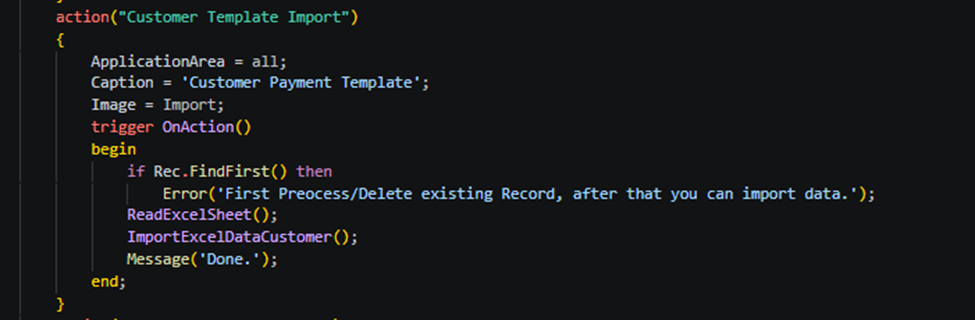
action("Customer Template Import")
            {
                ApplicationArea = all;
                Caption = 'Customer Payment Template';
                Image = Import;
                trigger OnAction()
                begin
                    if Rec.FindFirst() then
                        Error('First Preocess/Delete existing Record, after that you can import data.');
                    ReadExcelSheet();
                    ImportExcelDataCustomer();
                    Message('Done.');
                end;
            }
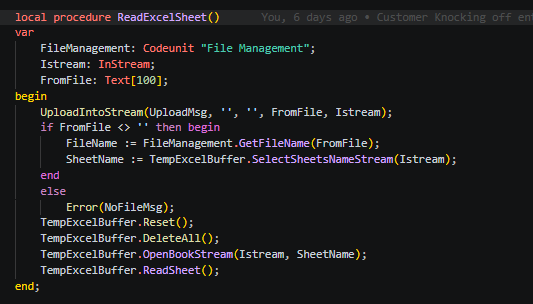
local procedure ReadExcelSheet()
    var
        FileManagement: Codeunit "File Management";
        Istream: InStream;
        FromFile: Text[100];
    begin
        UploadIntoStream(UploadMsg, '', '', FromFile, Istream);
        if FromFile <> '' then begin
            FileName := FileManagement.GetFileName(FromFile);
            SheetName := TempExcelBuffer.SelectSheetsNameStream(Istream);
        end
        else
            Error(NoFileMsg);
        TempExcelBuffer.Reset();
        TempExcelBuffer.DeleteAll();
        TempExcelBuffer.OpenBookStream(Istream, SheetName);
        TempExcelBuffer.ReadSheet();
    end;
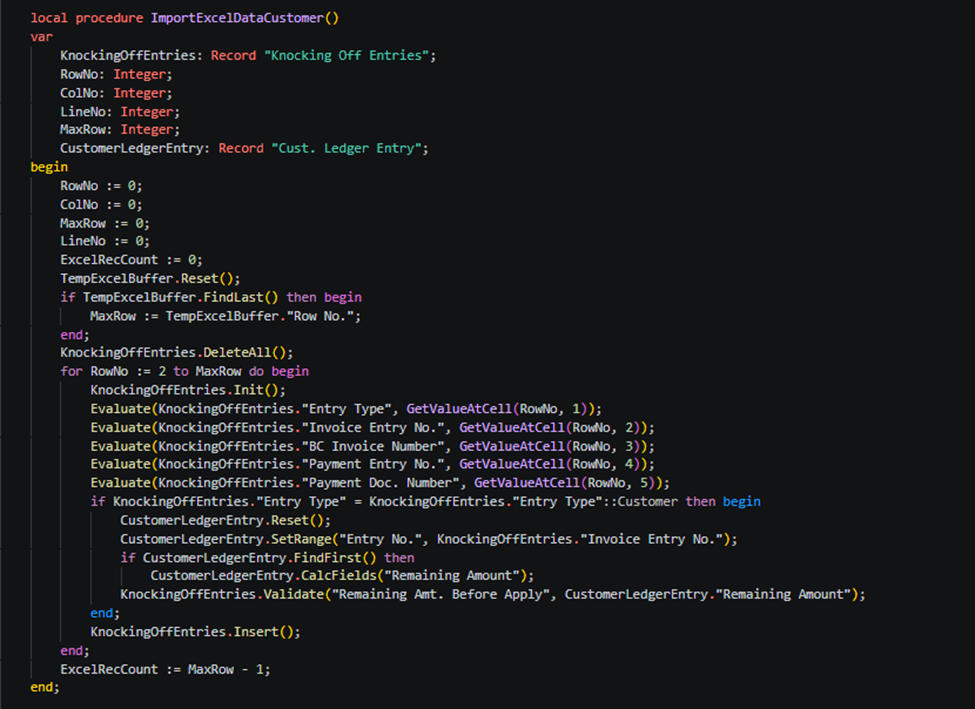
 local procedure ImportExcelDataCustomer()
    var
        KnockingOffEntries: Record "Knocking Off Entries";
        RowNo: Integer;
        ColNo: Integer;
        LineNo: Integer;
        MaxRow: Integer;
        CustomerLedgerEntry: Record "Cust. Ledger Entry";
    begin
        RowNo := 0;
        ColNo := 0;
        MaxRow := 0;
        LineNo := 0;
        ExcelRecCount := 0;
        TempExcelBuffer.Reset();
        if TempExcelBuffer.FindLast() then begin
            MaxRow := TempExcelBuffer."Row No.";
        end;
        KnockingOffEntries.DeleteAll();
        for RowNo := 2 to MaxRow do begin
            KnockingOffEntries.Init();
            Evaluate(KnockingOffEntries."Entry Type", GetValueAtCell(RowNo, 1));
            Evaluate(KnockingOffEntries."Invoice Entry No.", GetValueAtCell(RowNo, 2));
            Evaluate(KnockingOffEntries."BC Invoice Number", GetValueAtCell(RowNo, 3));
            Evaluate(KnockingOffEntries."Payment Entry No.", GetValueAtCell(RowNo, 4));
            Evaluate(KnockingOffEntries."Payment Doc. Number", GetValueAtCell(RowNo, 5));
            if KnockingOffEntries."Entry Type" = KnockingOffEntries."Entry Type"::Customer then begin
                CustomerLedgerEntry.Reset();
                CustomerLedgerEntry.SetRange("Entry No.", KnockingOffEntries."Invoice Entry No.");
                if CustomerLedgerEntry.FindFirst() then
                    CustomerLedgerEntry.CalcFields("Remaining Amount");
                KnockingOffEntries.Validate("Remaining Amt. Before Apply", CustomerLedgerEntry."Remaining Amount");
            end;
            KnockingOffEntries.Insert();
        end;
        ExcelRecCount := MaxRow - 1;
    end;
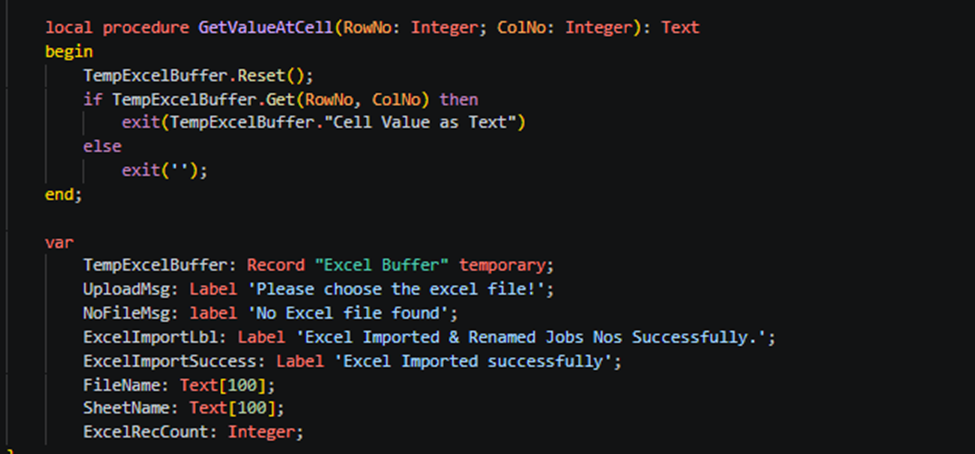
 local procedure GetValueAtCell(RowNo: Integer; ColNo: Integer): Text
    begin
        TempExcelBuffer.Reset();
        if TempExcelBuffer.Get(RowNo, ColNo) then
            exit(TempExcelBuffer."Cell Value as Text")
        else
            exit('');
    end;

    var
        TempExcelBuffer: Record "Excel Buffer" temporary;
        UploadMsg: Label 'Please choose the excel file!';
        NoFileMsg: label 'No Excel file found';
        ExcelImportLbl: Label 'Excel Imported & Renamed Jobs Nos Successfully.';
        ExcelImportSuccess: Label 'Excel Imported successfully';
        FileName: Text[100];
        SheetName: Text[100];
        ExcelRecCount: Integer;
Step – 3. Now create action button to cross verify records of uploaders by customer ledger entry table –
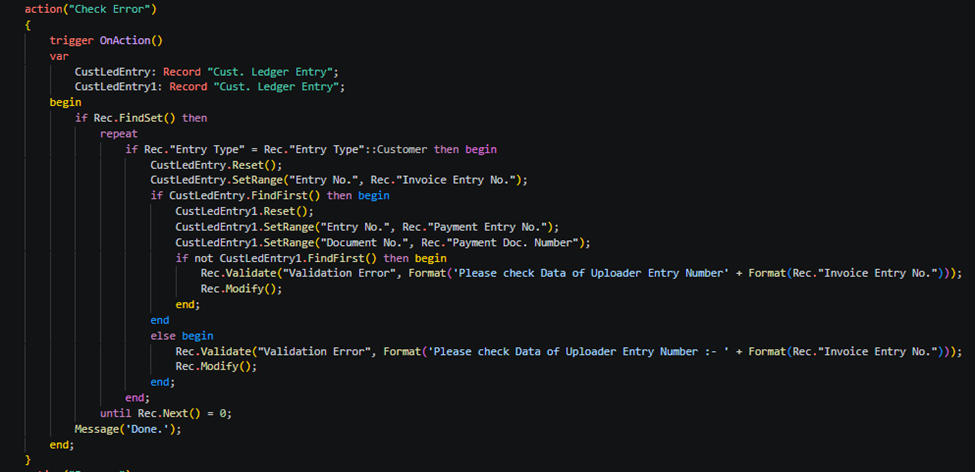
action("Check Error")
            {
                trigger OnAction()
                var
                    CustLedEntry: Record "Cust. Ledger Entry";
                    CustLedEntry1: Record "Cust. Ledger Entry";
                begin
                    if Rec.FindSet() then
                        repeat
                            if Rec."Entry Type" = Rec."Entry Type"::Customer then begin
                                CustLedEntry.Reset();
                                CustLedEntry.SetRange("Entry No.", Rec."Invoice Entry No.");
                                if CustLedEntry.FindFirst() then begin
                                    CustLedEntry1.Reset();
                                    CustLedEntry1.SetRange("Entry No.", Rec."Payment Entry No.");
                                    CustLedEntry1.SetRange("Document No.", Rec."Payment Doc. Number");
                                    if not CustLedEntry1.FindFirst() then begin
                                        Rec.Validate("Validation Error", Format('Please check Data of Uploader Entry Number' + Format(Rec."Invoice Entry No.")));
                                        Rec.Modify();
                                    end;
                                end
                                else begin
                                    Rec.Validate("Validation Error", Format('Please check Data of Uploader Entry Number :- ' + Format(Rec."Invoice Entry No.")));
                                    Rec.Modify();
                                end;
                            end;
                        until Rec.Next() = 0;
                    Message('Done.');
                end;
            }
Step – 4. Now process of uploader records if no error is found –
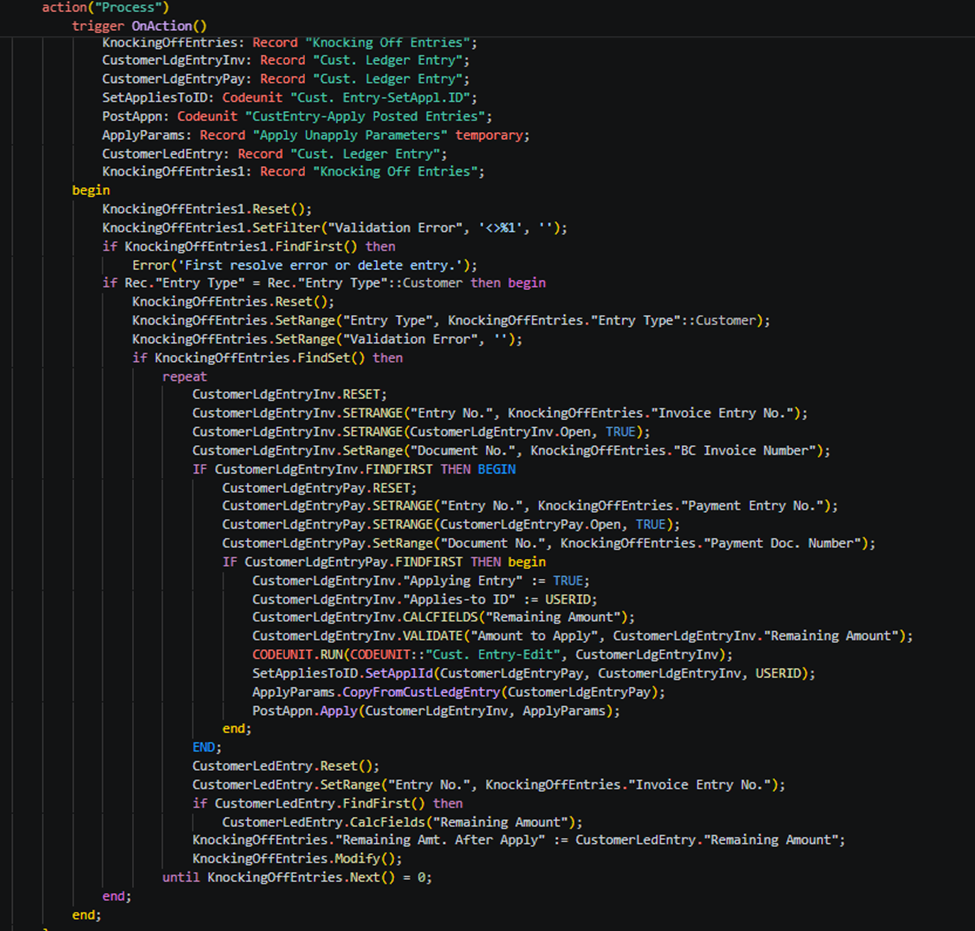
action("Process")
            {
                trigger OnAction()
                var
                    KnockingOffEntries: Record "Knocking Off Entries";
                    CustomerLdgEntryInv: Record "Cust. Ledger Entry";
                    CustomerLdgEntryPay: Record "Cust. Ledger Entry";
                    SetAppliesToID: Codeunit "Cust. Entry-SetAppl.ID";
                    PostAppn: Codeunit "CustEntry-Apply Posted Entries";
                    ApplyParams: Record "Apply Unapply Parameters" temporary;
                    CustomerLedEntry: Record "Cust. Ledger Entry";
                    KnockingOffEntries1: Record "Knocking Off Entries";
                begin
                    KnockingOffEntries1.Reset();
                    KnockingOffEntries1.SetFilter("Validation Error", '<>%1', '');
                    if KnockingOffEntries1.FindFirst() then
                        Error('First resolve error or delete entry.');
                    if Rec."Entry Type" = Rec."Entry Type"::Customer then begin
                        KnockingOffEntries.Reset();
                        KnockingOffEntries.SetRange("Entry Type", KnockingOffEntries."Entry Type"::Customer);
                        KnockingOffEntries.SetRange("Validation Error", '');
                        if KnockingOffEntries.FindSet() then
                            repeat
                                CustomerLdgEntryInv.RESET;
                                CustomerLdgEntryInv.SETRANGE("Entry No.", KnockingOffEntries."Invoice Entry No.");
                                CustomerLdgEntryInv.SETRANGE(CustomerLdgEntryInv.Open, TRUE);
                                CustomerLdgEntryInv.SetRange("Document No.", KnockingOffEntries."BC Invoice Number");
                                IF CustomerLdgEntryInv.FINDFIRST THEN BEGIN
                                    CustomerLdgEntryPay.RESET;
                                    CustomerLdgEntryPay.SETRANGE("Entry No.", KnockingOffEntries."Payment Entry No.");
                                    CustomerLdgEntryPay.SETRANGE(CustomerLdgEntryPay.Open, TRUE);
                                    CustomerLdgEntryPay.SetRange("Document No.", KnockingOffEntries."Payment Doc. Number");
                                    IF CustomerLdgEntryPay.FINDFIRST THEN begin
                                        CustomerLdgEntryInv."Applying Entry" := TRUE;
                                        CustomerLdgEntryInv."Applies-to ID" := USERID;
                                        CustomerLdgEntryInv.CALCFIELDS("Remaining Amount");
                                        CustomerLdgEntryInv.VALIDATE("Amount to Apply", CustomerLdgEntryInv."Remaining Amount");
                                        CODEUNIT.RUN(CODEUNIT::"Cust. Entry-Edit", CustomerLdgEntryInv);
                                        SetAppliesToID.SetApplId(CustomerLdgEntryPay, CustomerLdgEntryInv, USERID);
                                        ApplyParams.CopyFromCustLedgEntry(CustomerLdgEntryPay);
                                        PostAppn.Apply(CustomerLdgEntryInv, ApplyParams);
                                    end;
                                END;
                                CustomerLedEntry.Reset();
                                CustomerLedEntry.SetRange("Entry No.", KnockingOffEntries."Invoice Entry No.");
                                if CustomerLedEntry.FindFirst() then
                                    CustomerLedEntry.CalcFields("Remaining Amount");
                                KnockingOffEntries."Remaining Amt. After Apply" := CustomerLedEntry."Remaining Amount";
                                KnockingOffEntries.Modify();
                            until KnockingOffEntries.Next() = 0;
                    end;
                end;
            }
Now you can check your records – remaining balances of invoices.
To get more such useful information, please follow our LinkedIn page and you can also subscribe our you tube page. (Navigate with footer icons)
If you want to read next blog “How to Allow Posted Document Modification in Microsoft Dynamics 365 Business Central” then click the link below:
If you want a Tutorial videos of “Add custom Cue Group on Roll Center Page by AL Language” then click the link below:
link: https://www.youtube.com/watch?v=pfa7VobkurQ
Raise a support ticket instantly by clicking the link below:
Nice work—this can save a lot of manual effort in reconciliation.
Good use of Excel to streamline a typically time-consuming process.
Helpful explanation—especially for teams dealing with high transaction volumes.
Clear and practical—this will be valuable for Business Central users.
Nicely presented solution for automating ledger applications.
Hii Business central User .