
Critical System Mandatory Changes and Deprecations in Dynamics 365 Business Central v28 (May 2026)
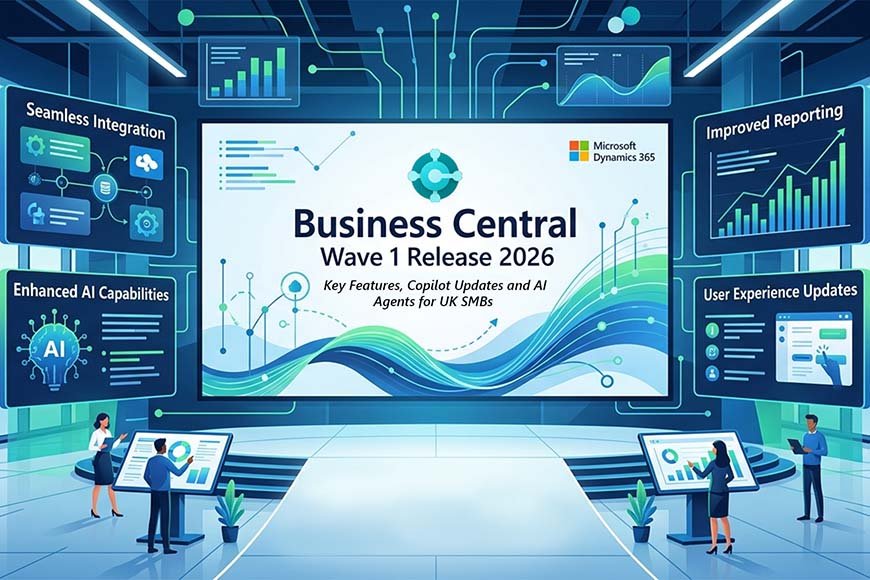
As Microsoft aggressively transitions cloud environments to the Dynamics 365 2026 Release Wave 1 (v28.1) architecture this week, a series of under-the-hood structural changes have moved from public preview to strictly mandatory.
While the introduction of AI-powered agents has captured market attention, administrators and developers are currently focusing on major breaking changes—specifically the deprecation of foundational legacy APIs and a complete rewrite of document localization rules.
Here is an essential technical breakdown of the latest mandatory shifts that organizations must adapt to immediately to prevent ERP workflow disruption.
1. The Hard Deprecation of API v1.0 (Critical Action Required)
The most urgent technical update hitting the ecosystem this month is the permanent removal of API v1.0.
-
The Impact: This legacy API has historically been used to bridge Business Central with external e-commerce platforms, Power Platform automated cloud flows, Azure Data Lakes, and older CRM integrations.
-
The Fix: Any organization running custom integrations built on API v1.0 must immediately refactor their pipelines to modern endpoints. Leaving these legacy endpoints active will cause third-party syncs to fail as environments automatically update to the latest May cumulative build.
2. Universal Mandatory Feature Flags Enforced
Microsoft has moved multiple long-standing operational optimizations out of the “optional feature management” bucket and made them permanent core platform structures:
-
The New Document Language Engine: Previously, customer-facing layouts like sales invoices or order confirmations would dynamically generate based on the specific language settings of the employee printing or emailing the file.
-
The Enforced Rule: To eliminate multi-currency and cross-border client confusion, a new mandatory Default Language Code field is now locked into the Company Information page. Documents will now generate strictly based on the customer’s predefined locale profile, completely independent of the internal user’s UI language.
3. Removal of Over 20 Legacy Standard Reports
To modernize printing architectures and push enterprises toward lightweight, cloud-optimized reporting structures, Microsoft has permanently deleted over 20 legacy data layouts and classic reports.
-
Organizations that rely heavily on out-of-the-box native data layouts must audit their default print destinations.
-
If your team uses these deprecated structural layouts, you will need to switch immediately to modern RDLC, Word, or native Excel Layout equivalents to ensure financial closing documentation continues to render correctly.
4. Advanced Audit Governance: Native Extension Permission Inspection
On a more positive administrative note, troubleshooting permission mismatches across multi-tenant setups has been significantly simplified:
-
A new Permissions Overview Page allows system administrators to isolate, view, and audit user permissions granted across all active applications and custom AL extensions from a single central matrix.
-
Technical teams can instantly filter database access scope by specific object or extension ID, making security compliance reporting and user access debugging faster than ever before.
Conclusion
The mid-May updates prove that the 2026 Release Wave 1 is as much about cleaning up legacy technical debt as it is about deploying artificial intelligence. By disabling API v1.0, locking down company-level document languages, and purging old report formats, Microsoft is drawing a clear line in the sand: modern cloud ERP systems must be lean, standard, and structurally secure.
To get more such useful information, please follow our LinkedIn page and you can also subscribe our you tube page.
YouTube Link: https://www.youtube.com/@bizcentralorbit
LinkedIn Link: https://www.linkedin.com/company/bizcentralorbit/posts/?feedView=all
If you want more updates and daily Blogs like “Can We Delete Posted Documents in Business Central?” click the link: https://bizcentralorbit.com/can-we-delete-posted-documents-in-business-central/
If you want more Demo and Tutorial videos like “Environment Transfers in Business Central” on Youtube click the link: https://youtu.be/K0wq7UPivTs?si=jsTDoYuw4gzSVixm
Raise a support ticket instantly by clicking the link: https://bizcentralorbit.com/contact-us/
Want to analyze any requirement and collaborate? Let’s work together to deliver the best solution! Please submit the details here: https://bizcentralorbit.com/bc-consultants/
Great explanation of the latest AI security enhancements
The app version is so much better than the browser. It is fast, secure, and very convenient for gaming on the go via superjililoginapp.