
Coding Custom Agents in AL for Business Central (Preview)
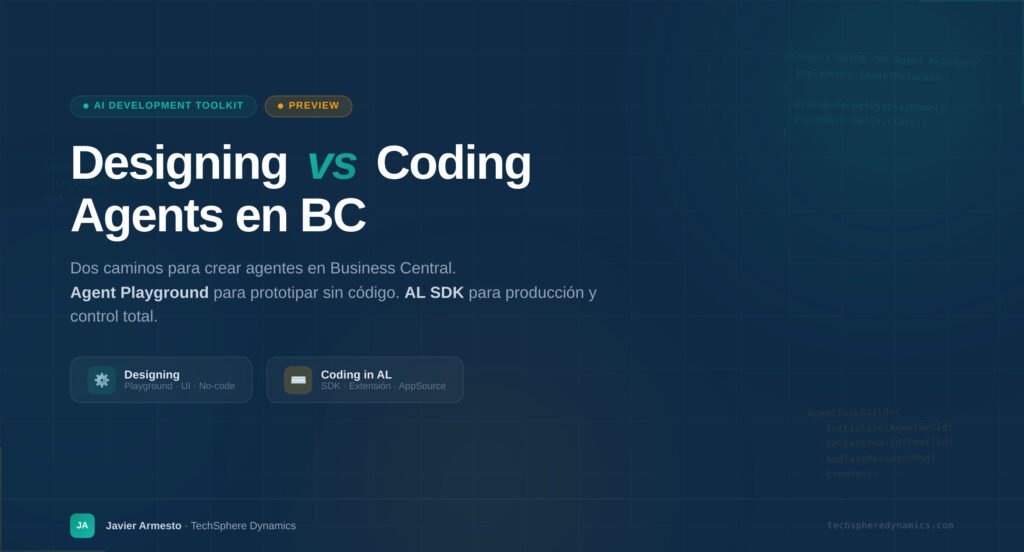
As organizations look to push the boundaries of automation, Microsoft is handing the keys directly to developers. With the latest previews in the AI Development Toolkit, you are no longer limited to designing agents in a no-code interface. You can now build, configure, and execute custom AI agents programmatically using the AI Agent SDK in AL (Application Language) for Dynamics 365 Business Central.
This new framework allows developers to deeply integrate AI behaviors into the core logic of their extensions. Here is an overview of how the SDK works and the tools available to start coding your own agents.
The Agent Skeleton: Getting Started Fast
Microsoft has streamlined the initial learning curve. If you use Visual Studio Code with the AL Language extension, you don’t have to start from scratch. By using the command palette (Ctrl + Shift + P) and running the AL: New Project command, you can select the Agent template. This immediately generates a skeleton implementation covering the core interfaces and setup requirements, allowing you to focus directly on your agent’s unique logic.
(Note: Currently, coding agents in AL is a preview feature and is restricted to sandbox environments for evaluation and prototyping).
The 3 Core Interfaces of an AL Agent
To define a custom agent in AL, you must first extend the enum that defines the available types of agents. From there, the architecture revolves around implementing three foundational interfaces:
-
IAgentFactory: This is the blueprint. It defines how your agent instances are created, initialized, and configured. It handles default settings, links to setup pages, and manages the fundamental creation rules. -
IAgentMetadata: This controls the identity and runtime details of the individual agent instances. It governs the UI elements like the agent’s initials, which summary and setup pages it uses, and custom annotations. -
IAgentTaskExecution: This is the brain of the operation. This interface controls exactly how the agent processes and executes tasks. It handles message analysis, interprets page context, and manages scenarios where the agent must suggest human intervention.
Setup and Configuration
Once the interfaces are implemented, the agent needs a UI for administrators to configure its parameters. The SDK provides tools to build these experiences:
-
Setup Pages: You can create dedicated configuration dialogs utilizing the
ConfigurationDialogpage type. -
Agent Setup Codeunit: This provides helper methods to easily bind your AL logic to UI-based agent configuration.
-
Dynamic Configuration: You can programmatically set display names, assign profiles, manage localizations, enforce explicit permission controls, and define whether the agent’s instructions (prompts) are static or dynamically generated based on data context.
Managing Tasks Programmatically
Agents are only useful if they act. The API includes robust codeunits to trigger and manage agent tasks automatically:
-
Event-Driven Triggers: Using the Agent Task Builder API, you can spawn tasks based on page actions, business events (like a posted invoice), or even incoming emails.
-
Attachment Processing: The SDK allows you to programmatically attach documents to tasks for the agent to analyze or process.
-
Session & Lifecycle Management: You can monitor running tasks, detect specific agent sessions, and bind events exclusively to the duration of an agent’s task execution.
-
Cross-Agent APIs: You can build public APIs that allow other applications—or even other agents—to interact seamlessly with your custom agent.
The Path Forward
By transitioning from no-code prototyping to full AL code implementation, developers can build highly resilient, deeply integrated AI agents capable of handling complex, multi-step business workflows behind the scenes.
If you are a developer looking to experiment with the next generation of ERP automation, spin up a sandbox and dive in.
For the complete code samples, interface documentation, and best practices, check out the Coding agents in AL overview on Microsoft Learn.
To get more such useful information, please follow our LinkedIn page and you can also subscribe our you tube page.
YouTube Link: https://www.youtube.com/@bizcentralorbit
LinkedIn Link: https://www.linkedin.com/company/bizcentralorbit/posts/?feedView=all
If you want more updates and daily Blogs like “Can We Delete Posted Documents in Business Central?” click the link: https://bizcentralorbit.com/can-we-delete-posted-documents-in-business-central/
If you want more Demo and Tutorial videos like “How to create Special Order in Business Central” on Youtube click the link: https://www.youtube.com/watch?v=qFj_ECsOVrY
Raise a support ticket instantly by clicking the link: https://bizcentralorbit.com/contact-us/
Want to analyze any requirement and collaborate? Let’s work together to deliver the best solution! Please submit the details here: https://bizcentralorbit.com/bc-consultants/
A valuable read for BC professionals
Solid explanation, especially the way you connected it to real use cases.
Simple explanation with strong value well done.
Great balance between technical detail and readability.
This is one of the more practical Dynamics blogs I’ve come across recently.
Great job simplifying a topic that can often feel complicated.
The explanation feels practical, not just copied from docs.
Alright, guys, let’s talk 88phatbet. I gotta say, this site’s got some serious potential. Good selection of games, and seems reliable enough. Just a heads-up, do your due diligence as always, but I’m cautiously optimistic! Check it out here: 88phatbet
Mobi66bet! Gotta say, the mobile experience is smooth. I primarily play on my phone and haven’t had any glitches or issues. They should give mobile-only players a bonus! Give it a try: mobi66bet
Anyone played at aa88casino before? What’s the verdict? Good payouts? Let me know! Explore the casino: aa88casino
Really impressed with the selection here. It feels like a premium experience and the interface is very user-friendly. Highly recommend phnustarcebu for anyone looking for a solid platform.
I’ve tried a few sites this month but this one is definitely the smoothest. Fast payouts and the interface is super easy to navigate. Highly recommend pkbet2888 for anyone looking for a reliable spot.
Great experience so far. The game variety is impressive and I had a lucky streak yesterday. Highly recommend idgbo303 to anyone looking for some action.