
The Complete List of New Features in Business Central 2026 Release Wave 1
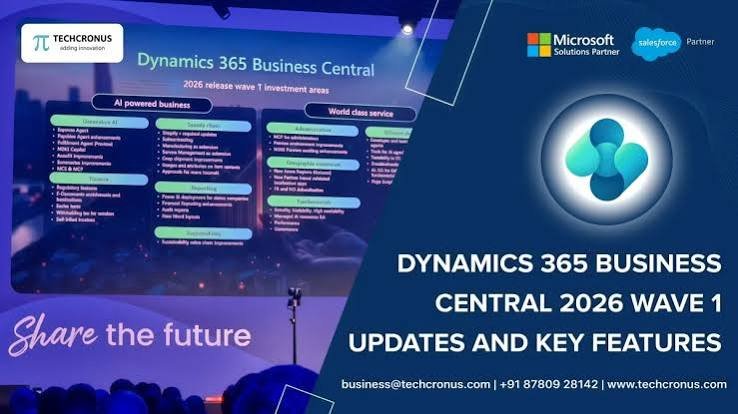
The Complete List of New Features in Business Central 2026 Release Wave 1
With every release wave, Business Central gains dozens of improvements — and it can be hard to know which ones actually matter for your business. That is exactly why Microsoft publishes a complete, structured list of new and planned features for each wave. For 2026 Wave 1, this list is your single best planning tool.
What the feature list contains
The planned-features page breaks down every improvement across the product, organised by functional area:
- Finance — reporting engine, withholding tax framework, subscription billing.
- AI and Copilot — new agents and expanded Copilot scenarios.
- Supply chain and operations — quality management and approvals.
- Development and administration — governance, extensibility, and deployment.
Each entry tells you what the feature does, how it is enabled (automatically or by an admin), and the target date it becomes available.
How to read it like a pro
Do not try to adopt everything at once. Instead, filter the list by the areas that matter most to you, and mark the features that solve a real problem your team faces today. Pay attention to the enablement type — some features switch on automatically, while others need an administrator to turn them on.
Why it matters for your business
A feature list is more than documentation; it is a roadmap. Reviewing it helps you budget time for testing, prepare your users for change, and avoid surprises when a feature turns on automatically. Businesses that plan around the roadmap adopt new capabilities smoothly instead of scrambling later.
The path forward
Bookmark the page, share it with your finance and operations leads, and build a short adoption shortlist. That simple habit keeps your Business Central investment paying off wave after wave.
Explore the full list on the New and planned features page.
To get more such useful information, please follow our LinkedIn page and you can also subscribe our you tube page.
YouTube Link: https://www.youtube.com/@bizcentralorbit
LinkedIn Link: https://www.linkedin.com/company/bizcentralorbit/posts/?feedView=all
If you want more updates and daily Blogs like “Can We Delete Posted Documents in Business Central?” click the link: https://bizcentralorbit.com/can-we-delete-posted-documents-in-business-central/
If you want more Demo and Tutorial videos like “Environment Transfers in Business Central” on Youtube click the link: https://youtu.be/K0wq7UPivTs?si=jsTDoYuw4gzSVixm
Raise a support ticket instantly by clicking the link: https://bizcentralorbit.com/contact-us/
Want to analyze any requirement and collaborate? Let’s work together to deliver the best solution! Please submit the details here: https://bizcentralorbit.com/bc-consultants/
Finally found a reliable login link that actually works without any lag. Highly recommend this site for everyone. Visit j8jililogin
Logging in is fast and the system is very stable. No more annoying crashes during the most exciting moments of the game! 203publogin