
What’s New in Business Central Update 28.1
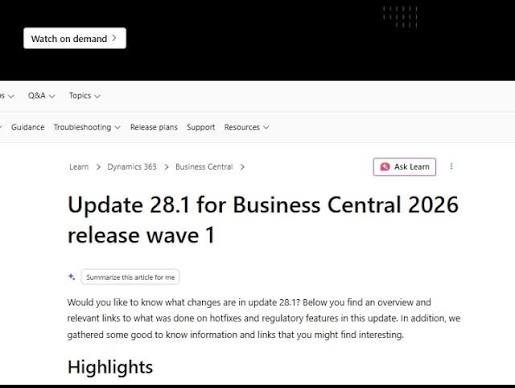
What’s New in Business Central Update 28.1
Business Central follows a monthly update rhythm, and Update 28.1 is a particularly valuable one. It builds on the AI momentum of the wave while adding a finance capability that customers have requested for years.
The Expense Management module arrives
The biggest addition in 28.1 is the new Expense Management module. For the first time, Business Central natively handles employee expenses end to end:
- Employees submit expenses and upload receipts.
- The system captures categories, per diems, and mileage.
- Approval workflows route each report to the right approver.
- Reimbursements post straight into your ledgers.
Paired with the AI Expense Agent, this turns a painful manual process into a fast, digital one.
More AI and quality-of-life improvements
Beyond expenses, 28.1 expands Copilot and agent capabilities and delivers a batch of smaller refinements that make daily work smoother across the app.
Why upgrade promptly
Business Central’s minor updates are cumulative and low-risk. Staying current keeps you on the most secure, best-performing version, and ensures you have the latest AI features the moment they ship. Falling behind only makes future upgrades harder.
The path forward
If employee expenses are a headache for your finance team, 28.1 alone justifies the update. Test the Expense Management module in a sandbox, then roll it out with clear approval rules.
See the details on the What’s new in Update 28.1 page.
To get more such useful information, please follow our LinkedIn page and you can also subscribe our you tube page.
YouTube Link: https://www.youtube.com/@bizcentralorbit
LinkedIn Link: https://www.linkedin.com/company/bizcentralorbit/posts/?feedView=all
If you want more updates and daily Blogs like “Can We Delete Posted Documents in Business Central?” click the link: https://bizcentralorbit.com/can-we-delete-posted-documents-in-business-central/
If you want more Demo and Tutorial videos like “Environment Transfers in Business Central” on Youtube click the link: https://youtu.be/K0wq7UPivTs?si=jsTDoYuw4gzSVixm
Raise a support ticket instantly by clicking the link: https://bizcentralorbit.com/contact-us/
Want to analyze any requirement and collaborate? Let’s work together to deliver the best solution! Please submit the details here: https://bizcentralorbit.com/bc-consultants/
The mobile app is a game changer. It’s way more convenient than using a browser and everything loads instantly. You guys should grab the bdl444appapk right now.
This place really knows how to keep its members happy with consistent updates and fair gameplay. I appreciate the straightforward banking options and the 24/7 chat support that actually understands what we need. It has become my go to spot for relaxed entertainment. Visit vnokphun and see why I keep coming back
The bonuses here are actually worth it. I was skeptical at first but the gameplay is addictive and the customer support is quite responsive. Just visit ph50jili to start winning.